Posts

which Javascript projects tutorial is better? Brad Traversy or Andrei Neagoie

Image
As we know if you want to become a web developer, which has three paths actually, front-end developer, back-end developer, and full stack developer.  For my opinion, front end side is more vision-related, which you connect more with users’ demands. You can actually see what your code turns into a real website. Backend is more data and logic related, how to manage and manipulate the data at the back when the website is running. A good website would have a strong logic structure for future management and faster response and so on, which is the brain of the human. And the full stack development means two together of course, which you should understand both side knowledge so you can do the projects by yourself and easy to cooperate with colleges for teamwork, that’s why lots company would like a full stack developer, head free when communicating while doing the teamwork. For myself, I jumped into this field because of interests though and self-taught at home. So I basically rely on ...
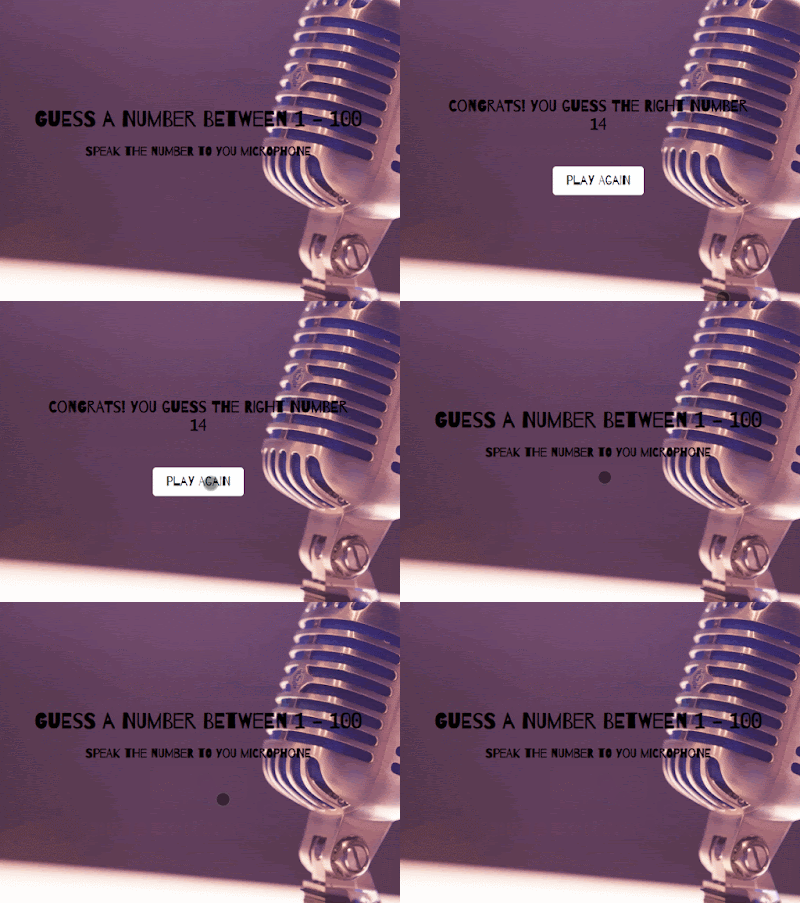
Speak guessing number game with Javascript

Image
  course from Brad Traversy Github code Feature: SpeechRecongnition Web API HTML msg is the container to show the user speaking content and also a selected message CSS style the play-again button the box is for the detective content speaking  JS select the element of the message box First, generate the random number to be the right answer Math.random() to generate a number between 0-1  format the number with Math.floor() to get a number between 1-100 Using Web Speech Recognition API, which is not good for all browsers.  If you do have Firefox browser, make sure the function is true. Firefox  search "about:config" ,enable to change search "speech", "media.web speech.recognition.force_enable" and "media.web speech.recognition" to true Make sure Chrome supported: MDN var SpeechRecognition = SpeechRecognition || webkitSpeechRecognition Speech Recognition API Document SpeechRecognition.start() Starts the speech recognition service listening to inco...

Draggable Sorted List with Javascript

Image
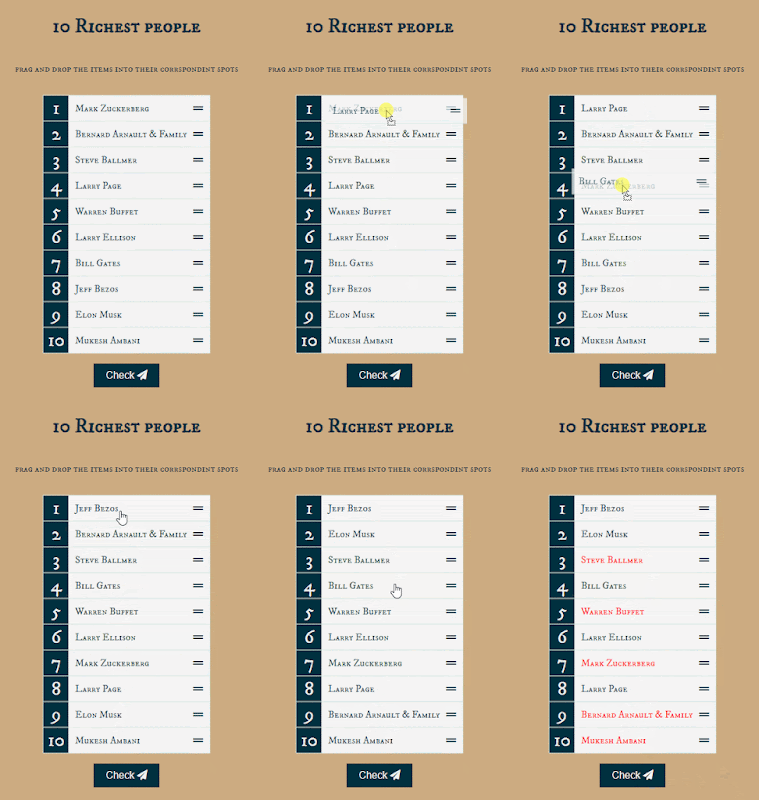
  course from Brad Traversy Github code  Features: drag and drop HTML API Array.prototype.sort() closest() getAttribute()   data-index HTML draggable list is a unsorted list the button is for checking  if the list after manipulating is sorted correctlly CSS when list item add class named over, the draggable should have a colored  background after checking the order, if the order number is right, colored to blue ,if wrong, colored to red JS select elements draggable list and check button the data is a richestPeople array string with richest first ordered listItem  is to store the custom list array create the list to DOM map the data and get the random index to sort the list and then create all list items Array.prototype.sort() sort by the callback function MDN and then add the events  drag and drop For each draggable list, the events contain dragstart,dragover,drop,dragenter,dragleave drag and drop API When drag starts on one list, get the specific...

NewYear Countdown with Javascript

Image
course from Brad Traversy Github code Features: dynamic new year  with 1 second loader cal the difference between new year and current HTML the year is a dynamic new year display the countdown includes the days, minutes, hours, and seconds loader image shows when page loads CSS add the background overlay with ::after and all the other upper layer First, hide the countdown to show the loader For a responsive browser with media JS select elements DOM get current year with Date().getFullYear() newYearTime is current year +1 with date and time new year show in the year section every second the function runs once. calculate the difference between new year's time and the current time. calculate the days, hours, minutes, and seconds of difference seconds total=diff/1000 and the %60 is extra seconds minutes total=diff/1000/60 days total=diff/1000/60/60/24 hours total=diff/1000/60/60 and with ?...:... to make sure every time is two numbers After page loaded one second, the loading hide, and...

Breakout Game with Javascript

Image
  course from Brad Traversy Github code Features: canvas drawing  keydown and keyup requestAnimationFrame() HTML rules section hide at the left side with rules button and close button to control canvas is a game container with all the drawing CSS set the canvas to display block side rules lay at the left side and transform with x-axis when adding the class name show JS select elements DOM needed canvas context with canvas.getContext('2d') init the current score and drawing brick row and column counts init the data of ball, paddle, and bricks position x,y,size,moving speed. dx is the position of x-direction. dy is the y-direction First, drawing all the shapes on the canvas. ball, paddle, score, and bricks every time clear the context first with canvas width and height drawBall() with ctx.arc(x,y,radius,start angle,end angle)  More about canvasrenderingcontext2d.arc() MDN ctx .arc( x , y , radius , startAngle , endAngle [, anticlockwise ]); drawPaddle() with rect() more ab...